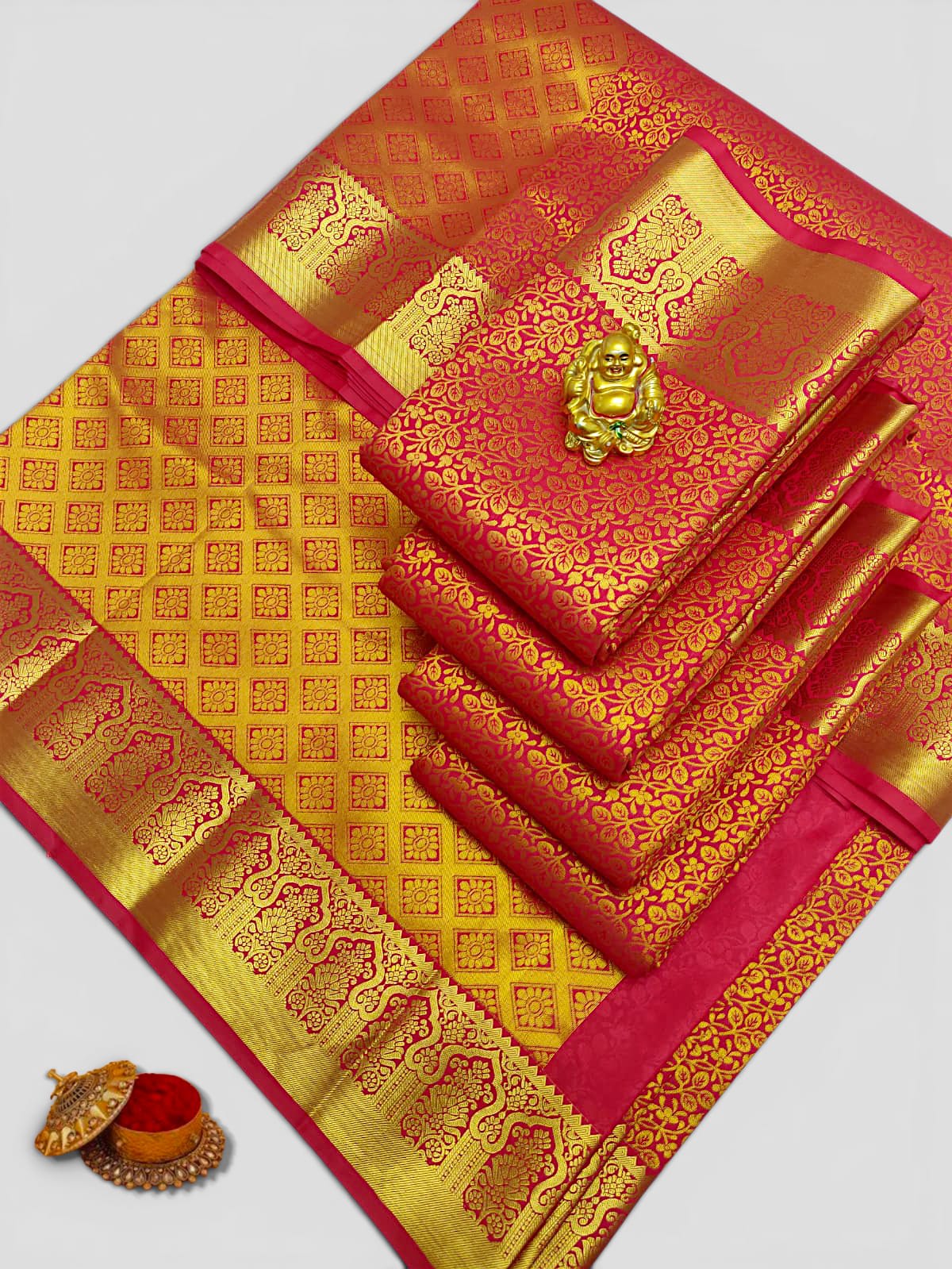
Why product names can repeat
A collection can contain many individually photographed sarees with the same category, price and shared buying information. Inventing a different decorative name for every saree would not help a customer identify the actual piece. We therefore keep the category wording simple and give every published product its own code.
For example, two products may both be called Bridal Semi Silk Saree. Their photographs and codes are different, so the code—not a made-up name—is the reliable reference for our store team, cart and order records.
The three details to use together
Use the collection, the complete photograph and the design code as one set of information. The collection tells you the general type. The photograph lets you inspect the visible design. The code lets Sara Trends locate the exact listing you mean.
- Collection: narrows the shop to the kind of saree you want.
- Photograph: shows the individual design currently presented for sale.
- Design code: uniquely identifies that listing in questions, checkout and after-sales help.
A quick way to compare several sarees
Open each product page and note the codes of the designs you like. Use the zoom and full-image view to compare visible borders, motifs, colour combinations and the way the saree is arranged in the photograph. Then compare price, availability and any product facts shown on the page.
If you want help, send a short list such as “ST-ABC-001 and ST-ABC-004” on WhatsApp. Codes reduce confusion when photos look similar or when a category contains many designs.
What to confirm before paying
The product page is the first source of information. If an important detail is not stated or not visible, ask before checkout. Include the design code and the date by which you need the order. Delivery eligibility and charges depend on the Indian PIN code and are confirmed before payment.
- Current stock for the exact design code.
- Any blouse-piece or product detail that matters to you.
- Care guidance for that particular category.
- Whether the delivery timing is practical for a fixed occasion date.
Questions customers ask
Does the same product name mean the sarees are identical?
No. Products in one category may share a practical title and description, but each listing has its own photograph and design code.
Where can I find the design code?
It appears on the product card, product page, cart and order details. Include it whenever you contact Sara Trends about a saree.
What should I send on WhatsApp?
Send the design code, your question, destination and required date if the purchase is time-sensitive.